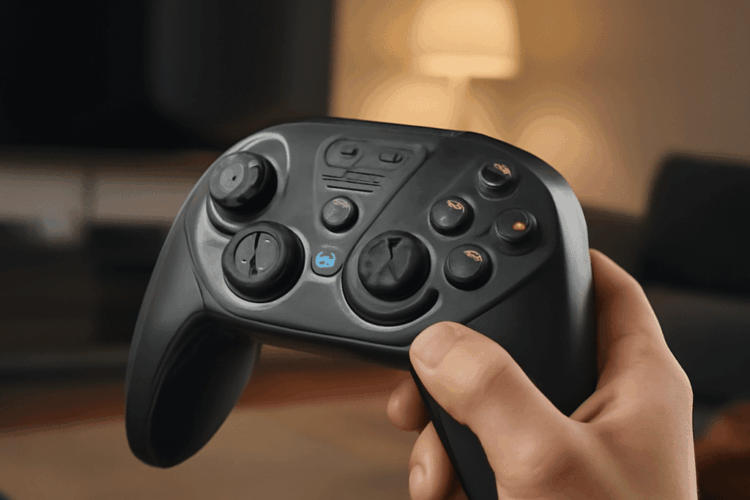
Optimizing your pro settings can significantly enhance your multiplayer gaming experience by improving performance and giving you a competitive edge. Whether you’re a casual gamer or aiming for professional play, understanding and adjusting your game settings is essential. This guide covers everything from the basics of pro settings to advanced adjustments and useful tools.
Understanding pro settings in gaming
Pro settings refer to the configurations that seasoned players use to optimize their gameplay. These settings include graphics, controls, and audio adjustments that ensure smooth performance and quick response times. For instance, lowering graphics settings might reduce visual quality but can significantly increase frame rates, which is crucial in competitive play.
Key adjustments for optimal performance
To achieve optimal performance, several game settings need fine-tuning:
- Graphics: Adjusting resolution and texture quality can balance performance and visual fidelity. Consider enabling features like V-Sync to prevent screen tearing but be aware it may introduce input lag.
- Controls: Sensitivity settings for mouse or controller can drastically affect accuracy. High sensitivity allows for swift movements, while lower settings offer precision.
- Audio: Enhancing certain audio settings, such as surround sound, can help you detect enemy movements more accurately.
Balancing game settings for different playstyles
Every player has a unique playstyle, so it’s important to tailor settings to fit your approach:
- Aggressive players may benefit from higher sensitivity settings for rapid targeting.
- Strategic players might prefer enhanced graphics to better anticipate enemy actions.
- Casual gamers can enjoy a balance between visual quality and performance, ensuring an enjoyable experience without extreme adjustments.
Tools and resources for refining settings
Numerous tools and resources can assist you in finding the best pro settings for your needs:
- Benchmarking Software: Tools like FRAPS or MSI Afterburner help monitor performance metrics, allowing you to adjust settings based on real-time data.
- Community Forums: Platforms like Reddit and Discord offer valuable insights and settings recommendations from experienced players.
- Professional Guides: Many esports teams and players release guides detailing their personal settings, which can serve as a great starting point.
By understanding and adjusting your pro settings, you can achieve a balance that enhances your gaming performance without sacrificing enjoyment. Experiment with different configurations to find what works best for you, and leverage community resources for ongoing improvement.