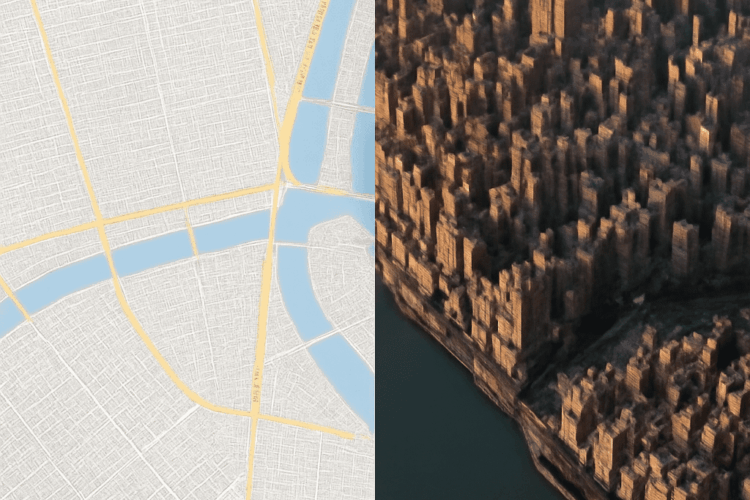
A racing island needs a smooth road and hills you can see around. A shooter island with tunnels and destructible cover needs space above and below the same patch of ground. A height map can shape the first; a voxel creation tool can help build the second.
Sketch the shoreline, player routes, and camera height. Decide whether the ground must change during play. Those choices determine where you need geometry and detail.
Build the surface from an image
Think of height maps as topographic drawings made of gray pixels: each pixel supplies one elevation, with darker values typically representing lower ground. The engine turns that grid into a surface. Because each horizontal position has one height, you can make a slope or cliff, but not a cave underneath it in the same surface.
For an island height map, start with a dark border for the sea floor and a lighter mass in the center. Raise a ridge, soften the beach, and leave a broad, readable path between spawn and the objective. A height-map editor or a 3d terrain generator can create the initial shape; brushes let you fix slopes that would make a vehicle slide or block a player’s view.
Try this workflow:
- Set the island’s width and maximum elevation in your target engine. Choose a grid resolution that captures the route without spending samples on tiny bumps.
- Export the elevation image in a format the engine accepts. For example, Unity Terrain supports RAW import; match resolution, bit depth, byte order, orientation, and terrain size to the export settings. The Unity manual explains those options.
- Import it, place water at the intended level, and drive or run across the island. Adjust the source or terrain brushes, then repeat the export and import if needed. Keep the editable source separately.
A 16-bit height map of the island has more elevation steps than an 8-bit image, reducing visible stair-stepping on gradual slopes. It carries elevation rather than a finished beach material, water, or collision setup; configure those in the engine and test them. To add a cave to this surface, use a terrain hole if your engine supports one and place a separate cave mesh inside.
Voxel creator: carve an island in three dimensions
A voxel is a value in a three-dimensional grid, like a cell in a stack of boxes. A voxel creator lets you fill or remove cells, then displays the result as blocks or converts the surface into a mesh. A voxel creation tool gives the island overhangs, tunnels, and potentially ground that players can dig through.
Block out the landmass first, carve a tunnel between two beaches, and leave enough roof above the passage to make its shape clear. With voxel terrain, a cave can belong to the same editable volume as the hillside. That can change a firefight: players may use the passage as a flank, and destructible terrain can open a new line of sight.
Export the mesh in a format supported by both tools, such as OBJ or glTF where available, and import it into the engine. Check scale, orientation, materials, and collision by walking through the tunnel. A mesh export is generally a snapshot: retain the original project in your voxel-creation software for editing. If players must dig during the game, use a compatible runtime voxel system that updates both the visible surface and collision; importing a static mesh alone will not do that.
The cost is three-dimensional data. Doubling resolution along all three axes can mean eight times as many cells in a dense grid. Sparse storage, chunks, and simplified distant meshes can reduce the cost, but the result depends on the implementation. Test edits and memory on a target phone, especially when several terrain chunks change at once.
Assemble the scene with a world builder
A 3d world builder is a broader workspace for arranging terrain, objects, vegetation, and sometimes roads or water. It may use a heightfield, meshes, or plugins underneath, so inspect its export options before committing. Its underlying representation determines whether ground can overhang or change at runtime.
In a 3D world-building tool, shape the coast, lay out the road, and place rocks that guide players toward the tunnel entrance. Export a supported terrain file or meshes and textures, then import them into your engine. Reconnect materials and collision where required. If the builder is part of your engine, keep the scene in its native project format and make a playable build for testing.
Test the island on a phone
A convincing desktop scene can overwhelm a phone once shadows, vegetation, and effects join the ground. Walk the longest sightline and drive the fastest route on a representative device. Watch frame time and memory with the engine’s profiler; test both a quiet area and a combat scene.
Reduce terrain resolution where it doesn’t affect the route, simplify distant meshes, limit visible vegetation, and use fewer or smaller textures. Level of detail, or LOD, swaps a simpler mesh in at a distance. Recheck silhouettes, collision, and the readability of cover after each change. For editable voxel landscapes and terrain built from voxels, measure the pause when a player digs as well as the normal frame rate.
Choose by the essential feature: a single-valued height surface suits an open racing course; editable caves or destruction point toward voxels; a world-building workspace helps when assembling the whole scene is the bigger job. The right generator for 3D terrain is the one whose output preserves that feature within your phone’s budget.